Astral Engine Showcase
A collection of scenes rendered and features from Astral Engine. Click any image at the top for a detailed view and a short video of the scene. Scroll to view a list of features each complemented with a video or pictures for visualization.

Bistro Exterior
A complex scene showcasing physically-based materials and cascaded shadow mapping

Sponza
A classic reference scene showcasing my image-based lighting solution

Cookie Stack and Smore
Scene with assets I modeled and textured in Blender, which I exported into Astral Engine
Features
Deep dive into the rendering techniques and systems implemented in Astral Engine
Cascaded Shadow Maps
Dynamic shadow rendering using cascaded shadow mapping to maintain shadow quality at both near and far distances.
Deferred Rendering Pipeline
View individual GBuffer images including full lighting, albedo, roughness, metallic, emission, and normals.
HDR Tonemapping
High dynamic range rendering with multiple tone mapping functions to compare ACES to other options.
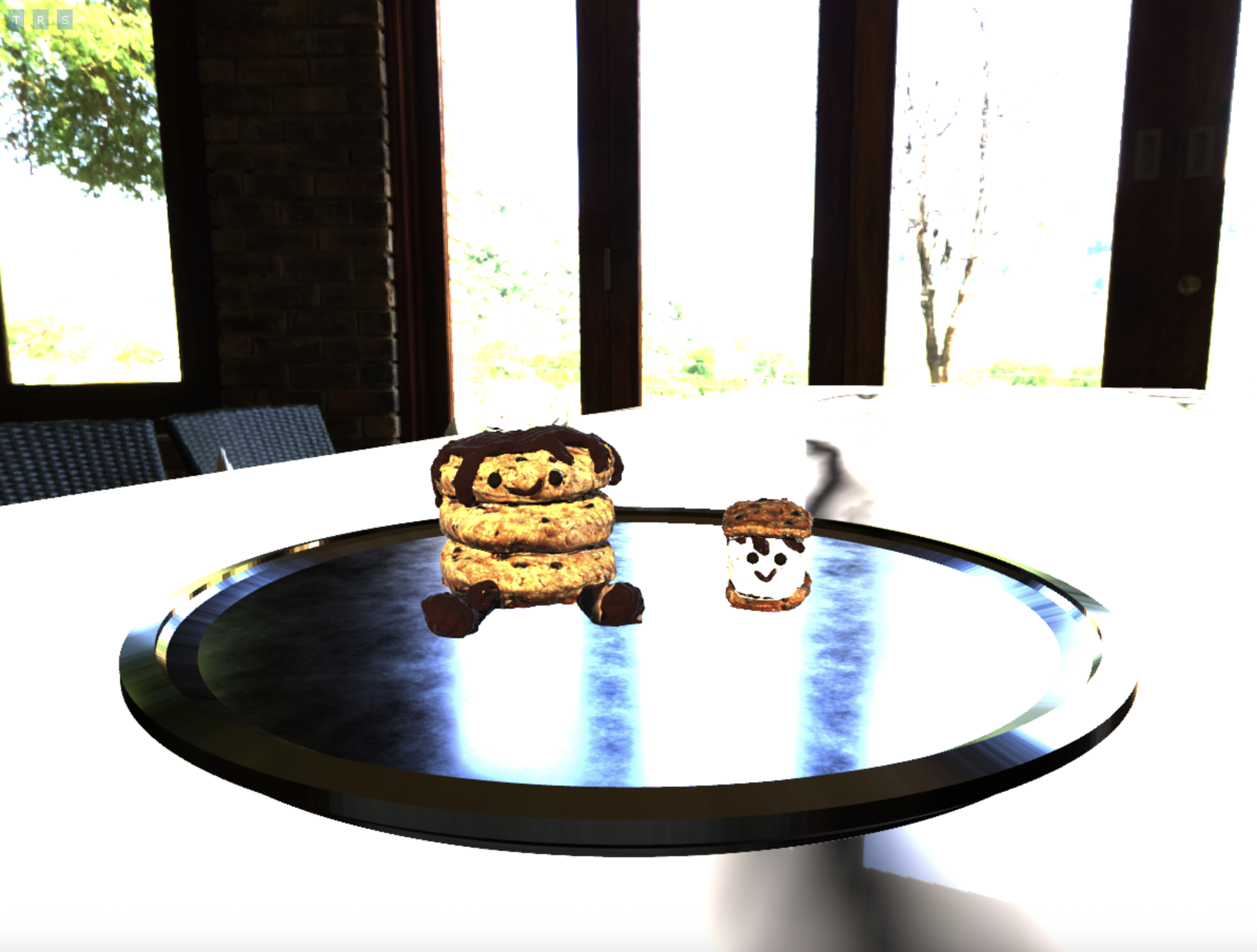
No Tonemapping
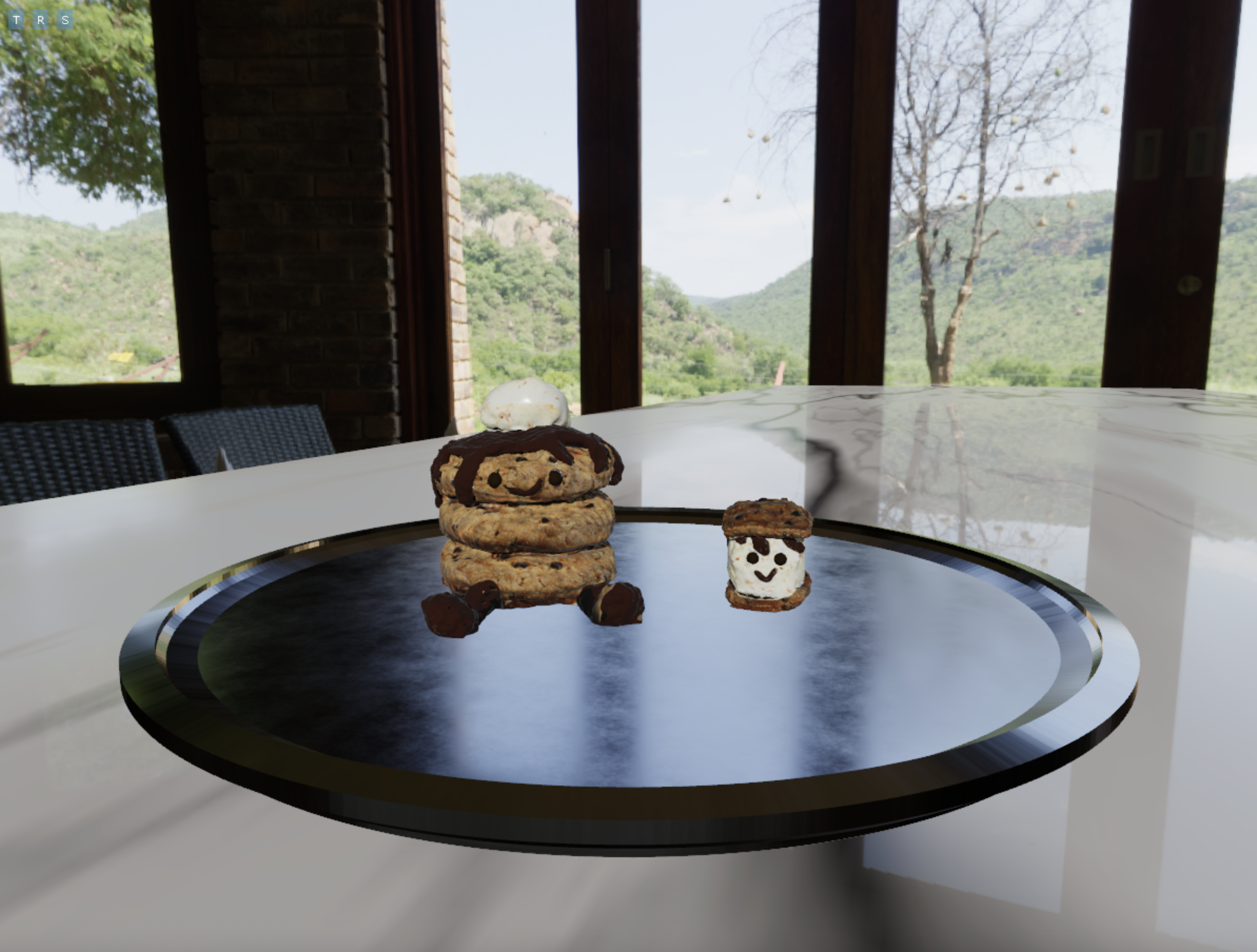
Reinhard
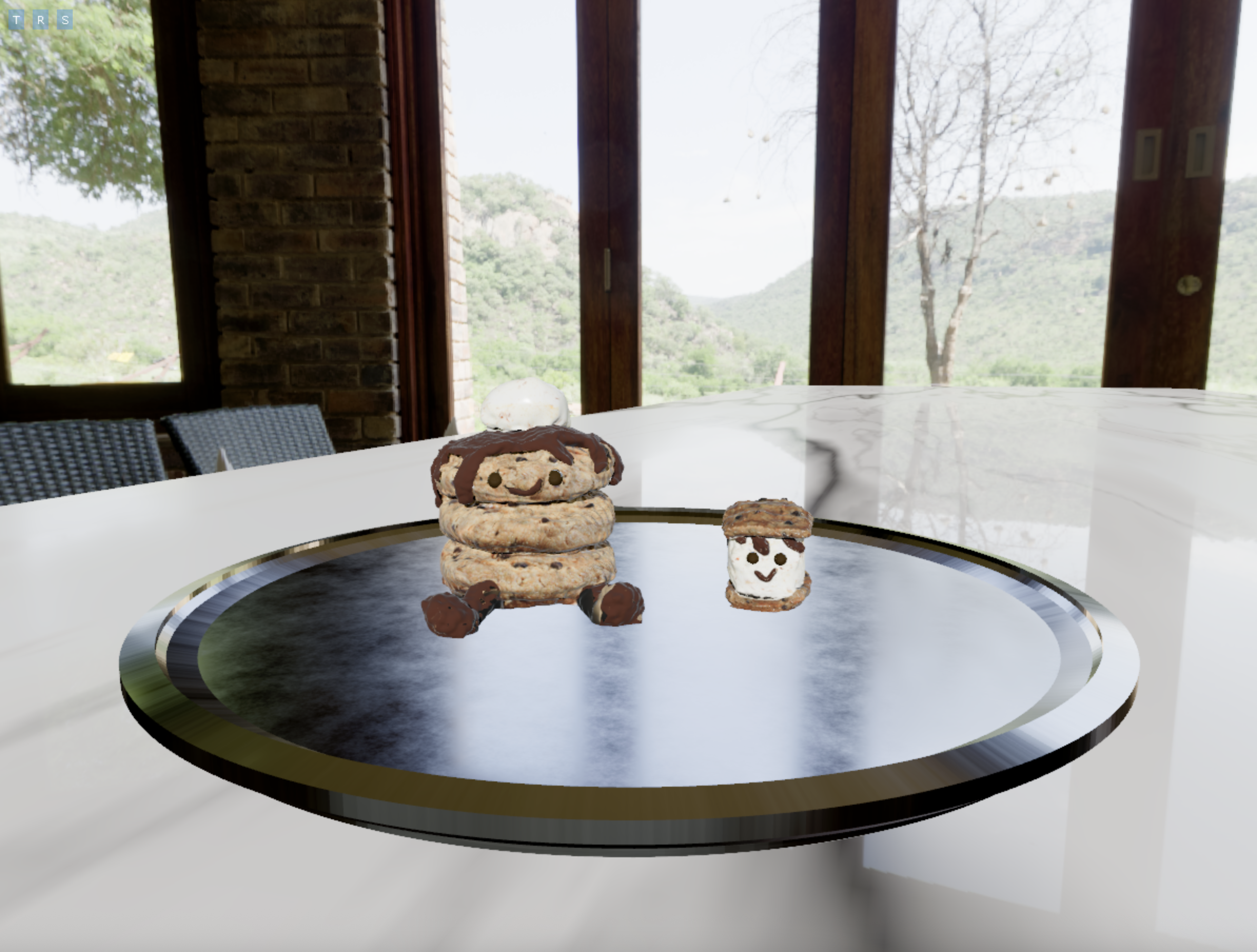
ACES
Performance Profiling Tools
Custom scope profiling integrated into Chrome's trace tool for viewing. Track performance timing and memory allocation frequency for engine systems, rendering passes, and frame execution to identify optimization opportunities.
Memory Allocation Tracker
A memory allocation tracker that lets you view memory allocation statistics like memory usage or active allocations by Region, Allocator Type, Thread, or by Global. Additionally, it also shows stacktraces for every allocation and free, so you can track down allocation hotspots.
Editor
A tool for creating and managing scenes. You can do things like create materials, add entities, change the environment map, access debug info and tools, viewing the scene hierarchy, access renderer settings, change camera settings, and change entity properties.